


We’ve all been there. You’re scrolling through Instagram, maybe checking out someone’s profile, and suddenly your thumb slips. You accidentally tap the heart icon on a photo from three years ago. Panic sets in immediately. Did they see it? Will they get a notification? Should you unlike it right away, or will that make things worse?
If you accidentally like and unlike on Instagram, you’re not alone. This happens to countless people every single day. Whether you’re browsing an ex’s profile, checking out a potential date, or just casually scrolling through a coworker’s vacation photos, accidental likes are one of the most common and embarrassing social media mishaps.
The good news is that this situation is usually not as bad as it feels in the moment. In this guide, we’ll walk you through exactly what happens when you like a post, whether the other person gets notified if you unlike quickly, and what you can do to handle the situation calmly. By the end, you’ll have a clear understanding of how Instagram notifications work and some practical tips to avoid this awkward scenario in the future.
What Happens When You Like a Post on Instagram
Before we dive into the accidental like situation, let’s understand the basics of how Instagram likes work. When you tap the heart icon on someone’s post or double-tap the image itself, Instagram registers your like immediately. This action triggers a few things to happen behind the scenes.
First, your username gets added to the list of people who have liked that post. Anyone can see this list by tapping on the like count below the photo. Second, and more importantly for our discussion, Instagram sends a notification to the person who posted the content. This notification tells them that you liked their photo or video.
The notification can appear in two ways. It might show up as a push notification on their phone’s lock screen or notification center. It also appears in their Instagram activity feed, which they can access by tapping the heart icon at the bottom of the app
The speed at which this notification is sent is almost instant. Instagram’s servers process likes very quickly, which means the notification is typically generated within seconds of you tapping that heart. For official information about how notifications work on the platform, you can always check the Instagram Help Center for the most up-to-date details.
This instant notification system is what makes accidental likes feel so stressful. You know that the moment your finger touched that screen, a notification was probably already on its way to the other person’s phone.
Do They Get Notified If You Unlike Quickly
Here’s the question everyone wants answered: if you accidentally like and unlike on Instagram within seconds, will the other person still know? The answer is a bit complicated, and it depends on several factors.
When you unlike a post, Instagram does remove the notification from the other person’s activity feed. This means that if they haven’t checked their notifications yet, and they go to look at their activity tab, your like won’t be there anymore. The notification essentially disappears from their in-app activity history.
However, there’s a catch. If Instagram already sent a push notification to their phone before you unliked the post, that push notification might still be visible on their lock screen or in their phone’s notification center. Push notifications are handled by the phone’s operating system, not just by Instagram. So even though Instagram removes the notification from within the app, the push notification that was already delivered to their device might still be sitting there.
The timing matters a lot here. If you unlike within just a second or two, there’s a decent chance the push notification hasn’t been delivered yet, or it might be removed before they see it. But if even a few seconds pass, the push notification has likely already reached their phone. Tech resources like How-To Geek have covered similar social media topics and confirm that notification timing varies based on many factors.
The bottom line is that unliking quickly gives you the best chance of the person not seeing your accidental like, but it’s not a guarantee. The faster you act, the better your odds, but there’s always some risk that they caught the notification before you could undo it.
How Instagram Notifications Actually Work
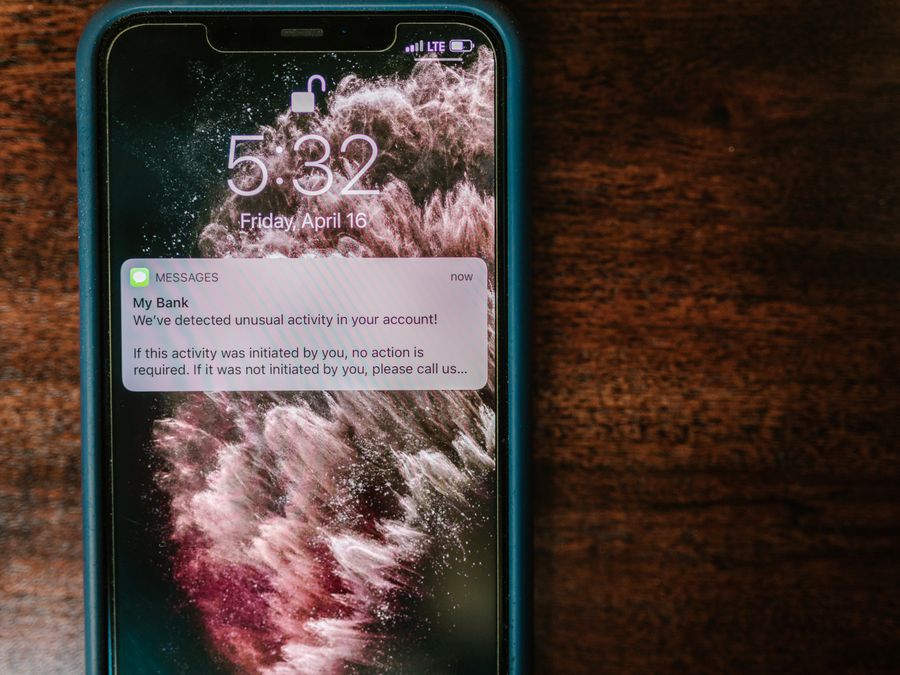
To really understand your chances of getting away with an accidental like, it helps to know more about how Instagram’s notification system operates. There are essentially two types of notifications at play here: in-app notifications and push notifications.
In-app notifications are the ones you see when you tap the heart icon at the bottom of Instagram. This is your activity feed, and it shows you all the recent interactions on your posts, including likes, comments, follows, and mentions. When someone likes your post, it appears here. If they unlike it before you check this feed, the notification will be gone.
Push notifications are different. These are the alerts that pop up on your phone even when you’re not using Instagram. They appear on your lock screen, in your notification center, and sometimes as banners at the top of your screen. Push notifications are sent from Instagram’s servers to your device through Apple’s or Google’s notification services.
The tricky part is that once a push notification is sent, Instagram can’t always pull it back. Some newer systems do allow apps to retract notifications, but this doesn’t work reliably across all devices and operating systems. Resources like Lifewire provide helpful explanations of how social media features and notifications function across different platforms.
It’s also worth noting that Instagram’s notification system can change over time. The platform regularly updates how it handles notifications, batches them, or prioritizes them. This means the exact behavior might vary slightly depending on when you’re reading this and what version of the app everyone is using. Staying informed about adapting to Instagram platform changes can help you understand how these systems evolve.
Scenarios Where They Might Still See Your Like
Even if you unlike a post within seconds, there are several scenarios where the other person might still notice your accidental like. Understanding these situations can help you assess how worried you really need to be.
The first scenario is if they were actively using Instagram at the moment you liked their post. If they happened to be scrolling through their feed or checking their notifications right when your like came through, they might see it in real-time before you have a chance to unlike it. There’s nothing you can do about this timing coincidence.
The second scenario involves push notifications that have already been delivered. As we discussed, if the push notification reached their phone before you unliked, it might still be visible in their notification center. Some people check their phone notifications frequently, while others let them pile up. Your fate depends partly on their habits.
The third scenario is if they have email notifications enabled. Instagram can send email summaries of activity, and while these are usually delayed and batched, there’s a small chance your like could be included in an email notification. This is less common, but it’s worth knowing about.
The fourth scenario is if they use third-party apps or services that track their Instagram activity. Some apps notify users about new followers, likes, or other interactions. These apps might capture your like before you unlike it, and they don’t always update when you remove the like.
Finally, there’s the simple scenario where they just happened to see the notification before you could undo it. Maybe their phone was in their hand, or they were looking at their screen at that exact moment. Sometimes timing just isn’t on your side.
What to Do After an Accidental Like
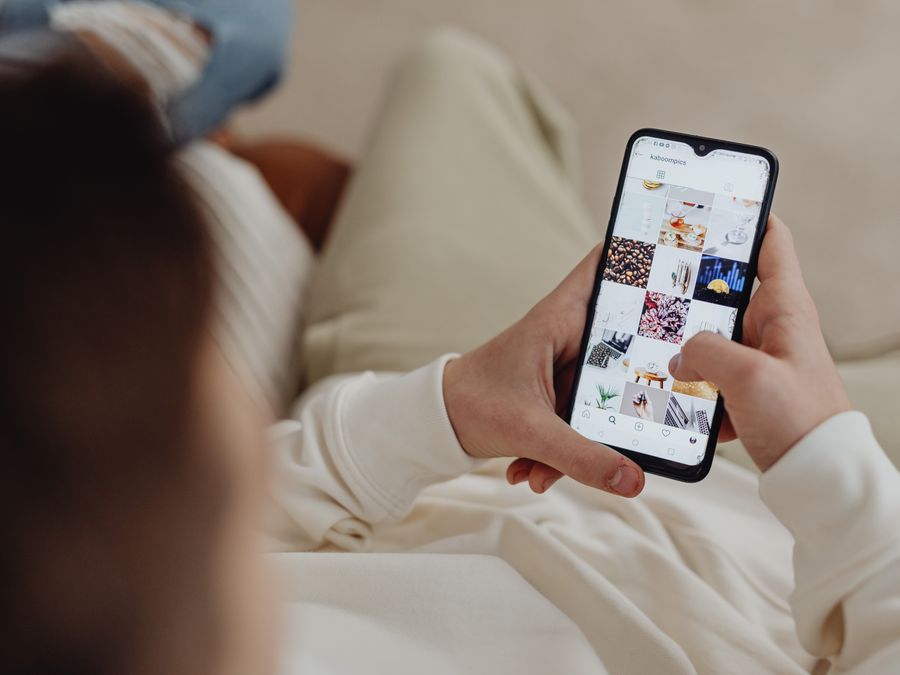
So you’ve accidentally liked someone’s post. What should you actually do? Here’s some practical advice to help you handle the situation calmly and rationally.
First, take a breath. The initial panic you feel is completely normal, but it’s important to remember that this is not a big deal in the grand scheme of things. People accidentally like posts all the time. It’s a common occurrence that most Instagram users have experienced themselves.
If you want to unlike the post, do it quickly. The faster you act, the better your chances that the person won’t see the notification. Don’t sit there debating whether to unlike it or not. If you’re going to do it, do it immediately.
However, you might also consider just leaving the like. Depending on who the person is and what your relationship is like, an accidental like might not be worth stressing over. If it’s a friend, acquaintance, or someone you interact with regularly, a like on their post is completely normal behavior. They probably won’t think twice about it.
If the post is very old and you’re worried about looking like you were deep-diving into their profile, you have a few options. You could unlike it and hope they didn’t see it. You could leave it and act like nothing happened. Or, if you’re feeling bold, you could like a few of their more recent posts too, making it look like you were just casually browsing their content.
One thing to avoid is obsessing over the situation. If you find yourself constantly worrying about accidental likes and checking to see if someone noticed, it might be worth examining your relationship with social media. Excessive worry about these small interactions can be one of the signs of Instagram addiction that many people experience.
Remember, the worst-case scenario is that someone knows you looked at their profile and liked a photo. That’s really not that bad. People browse profiles all the time. It’s a normal part of using social media.
Liking Old Posts and Why It Feels Awkward
There’s something uniquely embarrassing about accidentally liking an old post. Liking someone’s photo from three years ago feels different from liking their most recent post, and there’s a good reason for that social discomfort.
When you like an old post, it signals to the other person that you were scrolling through their profile history. This can feel invasive or creepy, even though browsing someone’s public profile is completely normal and allowed. The awkwardness comes from the fact that you’ve essentially revealed your browsing behavior.
This feeling is amplified when the person is someone you’re interested in romantically, an ex-partner, or someone you don’t know very well. In these cases, the accidental like can feel like you’ve been caught doing something you shouldn’t be doing, even though you haven’t actually done anything wrong.
It’s worth remembering that everyone browses profiles. People look at their friends’ old photos, check out potential dates, and scroll through the profiles of people they find interesting. This is normal social media behavior. The only difference between you and everyone else is that you accidentally revealed you were doing it.
If you’re someone who intentionally engages with content to build connections, you might be interested in strategies to increase Instagram engagement in more deliberate ways. Intentional engagement is very different from accidental likes, and understanding the difference can help you feel more confident in your social media interactions.
The social dynamics around old post likes are largely in your head. Most people will either not notice, not care, or understand that it was probably an accident. Very few people will judge you harshly for it.
Privacy Concerns and Viewing Profiles
The fear of accidental likes often stems from a broader concern about privacy when browsing Instagram. Many people wish they could view profiles without leaving any trace of their visit. This desire for anonymous browsing is completely understandable.
Unlike some other platforms, Instagram doesn’t show you who has viewed your profile. You can browse someone’s public posts, stories (if you’re not blocked), and profile information without them knowing you were there, as long as you don’t interact with anything. The problem is that it’s easy to accidentally tap something while scrolling.
Some people look for private Instagram viewer tools that claim to let you view content without being detected. These tools vary widely in their legitimacy and effectiveness. Some are scams, some don’t work as advertised, and some might violate Instagram’s terms of service. If you’re curious about these options, you can find Viewverio Instagram private account viewer reviews and similar resources online, but approach them with caution.
For understanding your privacy options within Instagram itself, the Meta Privacy Center is the official resource for learning about privacy settings across Meta platforms, including Instagram. Here you can learn about what information you share, who can see your activity, and how to adjust your settings.
The reality is that if you’re browsing public profiles, the best way to avoid accidental likes is simply to be careful. There’s no foolproof way to browse without any risk of accidentally interacting with content. Being mindful of where your fingers are on the screen is your best defense.
Tips to Avoid Accidental Likes in the Future
Prevention is better than cure, so here are some practical tips to help you avoid accidentally liking posts in the future.
First, be mindful of how you hold your phone. Many accidental likes happen because of how we grip our devices while scrolling. Try to keep your thumb away from the center of the screen where the heart icon and double-tap zone are located. Scrolling with the edge of your thumb rather than the pad can help.
Second, consider using airplane mode when browsing profiles you’re nervous about. If your phone is in airplane mode, any accidental likes won’t be registered because you’re not connected to the internet. You can browse freely, and when you’re done, turn airplane mode off. Just be aware that if you liked something while offline, it might sync when you reconnect, so make sure to unlike anything before turning your connection back on.
Third, slow down your scrolling. Accidental likes often happen when we’re scrolling quickly and our fingers slip. Taking your time and being more deliberate with your movements can reduce the risk of accidental taps.
Fourth, if you manage multiple accounts or are particularly concerned about privacy, you might explore tools like mobile proxies for social media that some users employ for various purposes. These are more advanced options typically used by people managing business accounts or multiple profiles.
Fifth, consider your account setup. Some users who are very privacy-conscious explore options like Instagram SMS verification workarounds when setting up secondary accounts for browsing. Having a separate, anonymous account for casual browsing is one way some people avoid the stress of accidental likes on their main account.
Finally, practice self-compassion. Even with all these precautions, accidental likes can still happen. When they do, remind yourself that it’s not a big deal and that everyone makes this mistake sometimes.
Frequently Asked Questions About Accidental Likes
Let’s address some common questions people have about accidental likes on Instagram.
Does blocking someone after an accidental like hide the notification?
Blocking someone after you’ve accidentally liked their post won’t remove the notification they already received. If they saw the push notification or checked their activity feed before you blocked them, they’ll know about the like. Blocking only prevents future interactions.
Can Instagram tell if I unliked something?
Instagram tracks likes and unlikes for its own data purposes, but this information isn’t shared with other users. The person whose post you liked and unliked won’t see any record of the unlike action. They’ll either see the like notification or they won’t.
What if I accidentally liked a story instead of a post?
Accidentally liking a story works a bit differently. When you like a story, it sends a direct message to the person rather than a notification. If you quickly unsend the message, it might disappear before they see it, but there’s no guarantee. Stories also disappear after 24 hours, so the evidence won’t last forever.
Will they know if I screenshot their post?
Instagram does not notify users when you screenshot their regular posts. However, Instagram does notify users when you screenshot disappearing photos or videos sent in direct messages. Regular feed posts and stories can be screenshotted without the other person knowing.
How do I find my own profile to see what others see?
If you want to see your profile as others see it, you can simply visit your own profile page. For help with basic profile settings and features, check out our guide on finding your Instagram URL and other profile basics.
Is there a way to turn off the ability to like posts?
Instagram doesn’t offer a feature to disable your ability to like posts. The like function is a core part of the platform. Your best option is to be careful while scrolling and use the tips mentioned earlier in this article.
Accidental likes are a universal experience in the age of social media. While they can feel mortifying in the moment, they’re rarely as significant as they seem. Most people understand that accidents happen, and the vast majority of accidental likes go unnoticed or are quickly forgotten. The next time your thumb slips, take a deep breath, unlike if you want to, and move on with your day. It’s really not the end of the world.
