



Parental control apps have matured significantly over the past few years, and the market has narrowed around a handful of tools that actually deliver on their promises. Two names come up constantly in parent forums, tech review sites, and school counselor recommendations: Qustodio and Bark. Both have loyal user bases, both have real strengths, and choosing between them without a clear framework wastes time you probably do not have.
When parents research qustodio vs bark they usually expect a diplomatic “it depends on your needs” conclusion. This article takes a different approach. After examining both apps across the features that matter most to families in 2026, one product consistently outperforms the other for the majority of households, and this guide explains exactly why, with a strong alternative recommendation for parents who want something more comprehensive.
The Core Difference Between the Two Apps
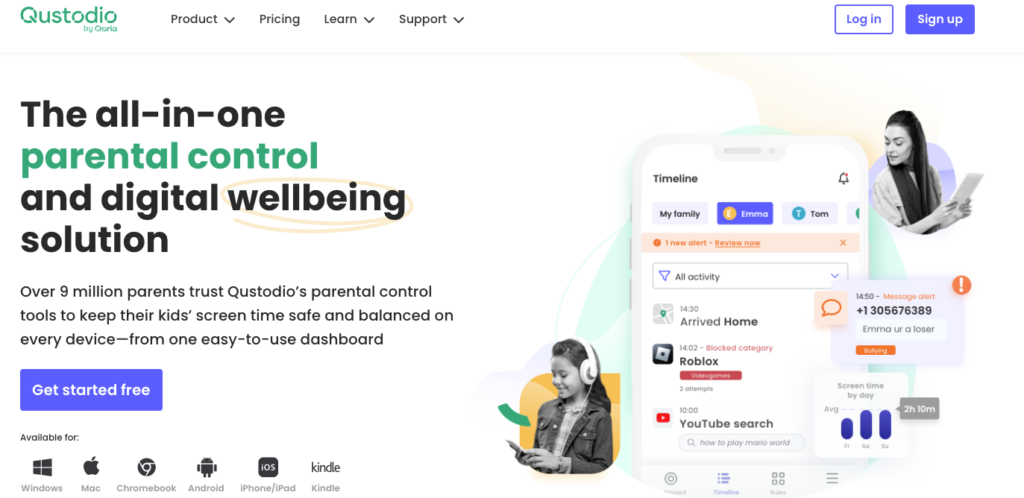
Qustodio and Bark solve the same problem using fundamentally different philosophies. Bark monitors content passively and sends alerts when it detects something concerning. Qustodio gives parents direct, active control over what their child can access, for how long, and on which devices. This kind of protection matters because families also need to understand broader online safety risks for social media users before problems become harder to manage. That distinction shapes everything about how each app functions in daily family life.
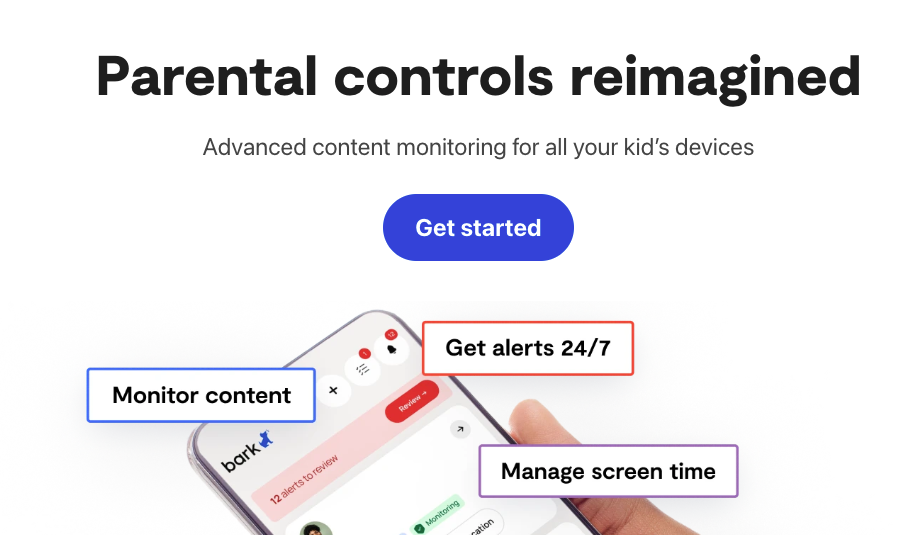
Bark positions itself as a privacy-respecting tool. It reads through messages, emails, and social media activity using AI, flags potential issues like bullying, depression, or explicit content, and notifies parents without showing them every conversation. The pitch is that children retain some privacy while parents stay informed about serious risks.
Qustodio takes the opposite stance. It gives parents a full dashboard with screen time reports, app usage data, web filtering by category, location tracking, and the ability to pause internet access across all devices instantly. There is no ambiguity about what it does. It is a monitoring and control platform, and it does not pretend otherwise.
Feature-by-Feature Breakdown
Screen Time Management
Qustodio handles screen time with precision. Parents set daily limits per app or per device, schedule device-free periods like homework hours or bedtime, and receive detailed reports showing exactly how time was spent. The controls apply across Android, iOS, Windows, Mac, and Chromebook from a single dashboard.
Bark does not offer meaningful screen time controls. Its focus is content monitoring, not usage management. If your child is spending four hours on YouTube or gaming until midnight, Bark will not help you address that directly. You would need a separate tool or rely on the device’s native screen time settings, which are easy for tech-savvy teenagers to work around.
Content Filtering
Both apps filter web content, but Qustodio’s filtering is more granular and reliable. Parents choose which categories to block, such as adult content, gambling, violence, or social media, and those rules apply across browsers and apps, not just Safari or Chrome. Qustodio also blocks specific websites by URL.
Bark’s filtering is functional but secondary to its monitoring role. It works better as a detection system than a prevention one.
Social Media and Messaging Monitoring
This is where Bark genuinely leads. Its AI monitors over 30 platforms including Instagram, Snapchat, TikTok, Gmail, and iMessage, looking for signs of cyberbullying, self-harm, drug references, or predatory contact. For parents concerned about social platforms specifically, understanding TikTok account protection can also help explain why monitoring and privacy controls matter. The alert system is well-calibrated and avoids flooding parents with false positives.
Qustodio monitors social media activity at a surface level and can block platforms entirely, but it does not read message content or analyze conversations for emotional signals the way Bark does.
Location Tracking
Qustodio includes real-time location tracking with location history, which is genuinely useful for families with children who commute independently, travel to after-school activities, or are old enough to go out with friends. The feature works reliably on both Android and iOS.
Bark does not include location tracking in its standard offering.
Reporting and Dashboard
Qustodio’s reporting is detailed and consistent. Weekly email summaries, real-time alerts, and a clean web dashboard give parents a clear picture of device usage without needing to dig through raw data. Bark’s alerts are targeted and useful, but the overall reporting is thinner because the app collects less data by design.
Comparison Table
| Feature | Qustodio | Bark |
| Screen time limits | Yes, per app and device | No |
| Web filtering | Comprehensive | Basic |
| Social media monitoring | Surface level | Deep AI analysis |
| Location tracking | Yes, real-time | No |
| Message content analysis | No | Yes |
| Cross-platform support | Yes | Partial |
| Pricing (family plan) | From $54.95/year | From $99/year |
| Best for | Active control families | Alert-based monitoring |
Which App Wins in 2026?
Qustodio is the better choice for most families. The reason is straightforward: parental control is not just about knowing something went wrong after the fact. It is about setting boundaries, managing habits, and having the tools to enforce reasonable rules about device use before a problem develops. Bark’s AI alerting is impressive technology, but it is reactive by nature. It tells you your child may have encountered something harmful; it does not prevent the encounter or help you manage the daily patterns that lead to poor digital habits.
For parents of younger children especially, ages six through thirteen, active controls matter more than passive monitoring. The same logic applies when teaching children how to manage Instagram privacy and private profiles before they begin using social platforms more independently. Kids in that age range need structure around screen time, not just a system that watches and reports. Qustodio delivers that structure at a lower annual price point than Bark.
Bark makes more sense for parents of older teenagers who have earned more autonomy and where the relationship would be damaged by heavy monitoring. At that stage, parents can also discuss practical safety habits such as blocking someone on Instagram when contact becomes unwanted or inappropriate. In that specific context, Bark’s lighter touch is appropriate. For everyone else, Qustodio’s toolset is simply more complete.
The Best Alternative: Phonsee
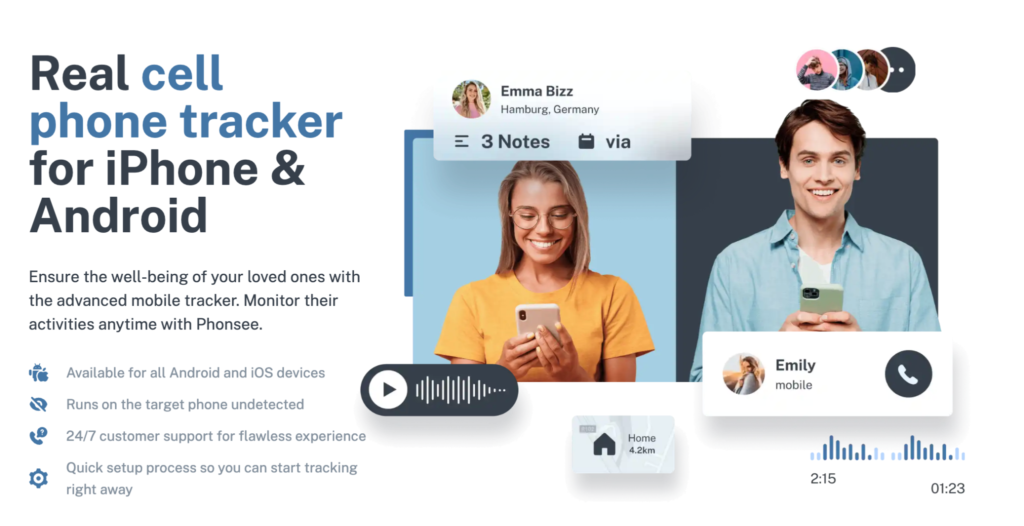
If you want to go beyond what either Qustodio or Bark offers, Phonsee is the strongest alternative on the market in 2026. It combines real-time GPS tracking, call and message monitoring, social media oversight, and remote device management in a single platform that works seamlessly across Android and iOS without requiring technical setup.
What makes Phonsee stand out is its reliability for families who travel or live across multiple time zones. The app maintains continuous location tracking and delivers alerts regardless of network conditions, which is something neither Qustodio nor Bark handles as cleanly for internationally mobile families.
Phonsee also provides full call log access and keyword alert monitoring across messaging apps, giving parents a genuinely comprehensive view of their child’s digital activity. For families who need more than screen time limits and web filters, and who want a single tool rather than two apps running in parallel, Phonsee covers everything in one subscription.
Conclusion
Qustodio beats Bark for the majority of families because it solves the whole problem, not just the detection piece. Screen time management, web filtering, location tracking, and cross-platform controls are not optional extras; they are the foundation of a workable family digital policy. Bark’s AI monitoring is genuinely good at what it does, but what it does is too narrow to serve as your primary parental control solution.
Set up Qustodio, use it consistently, and adjust the controls as your child gets older and earns more independence. It also helps to review basic Instagram community guidelines so children understand what behavior is allowed, restricted, or worth reporting. If you need deeper GPS tracking and message monitoring on top of that, add Phonsee to your toolkit. Between the two, you will have everything covered.
