



Starting a new Instagram account can feel exciting and a little overwhelming at the same time. You might be wondering what to share, how to make it look good, and whether anyone will even notice. The truth is, your first Instagram post sets the stage for everything that comes after. It introduces you to the world and gives people a reason to follow along.
Whether you’re creating a personal account to share moments with friends or building a brand from scratch, getting your first Instagram post right matters more than you might think. This guide will walk you through everything you need to know, from setting up your profile to choosing the perfect photo, writing a caption that connects, and sharing your content with the world.
Don’t worry if you’re new to all of this. We’ll keep things simple and easy to follow. By the end, you’ll feel confident and ready to hit that share button.
Why Your First Instagram Post Matters
Think of your first Instagram post as your introduction to everyone who visits your profile. When someone lands on your page, they’ll likely scroll down to see what you’ve shared. That very first piece of content tells them who you are, what you’re about, and whether they want to stick around.
A strong first post creates a positive first impression. It shows that you’ve put thought into your account and that you have something worth sharing. On the other hand, a rushed or random post might make visitors wonder if your account is worth following at all.
Your first Instagram post also sets the tone for your entire feed. If you start with a bright, cheerful photo, people will expect more of the same. If you begin with something artistic or moody, that becomes the vibe they associate with you. This doesn’t mean you can’t evolve over time, but starting strong gives you a solid foundation to build on.
Before you share anything, it’s a good idea to familiarize yourself with the Instagram community guidelines so you understand what’s allowed and what isn’t. Knowing the rules helps you avoid any issues right from the start and ensures your content reaches the people you want to connect with.
Remember, you only get one chance to make a first impression. Taking a little extra time to plan your first Instagram post can pay off in the long run by attracting followers who genuinely connect with what you share.
Setting Up Your Profile Before You Post
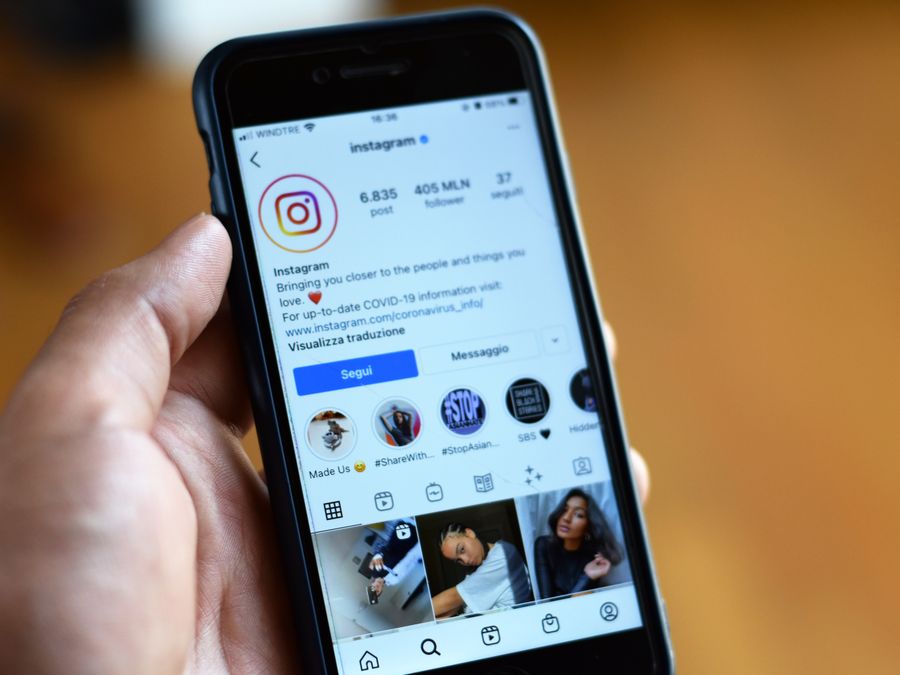
Before you share your first Instagram post, make sure your profile is ready to welcome visitors. Think of your profile as your digital storefront. If it looks incomplete or confusing, people might leave before they even see your content.
Start with your username. This is how people will find you and remember you, so it should be easy to spell, easy to remember, and relevant to who you are or what you do. If you’re not sure where to begin, check out this guide on choosing the best Instagram username for helpful tips.
Next, focus on your profile picture. This small image appears next to everything you post and comment on, so it needs to represent you well. For personal accounts, a clear photo of your face usually works best. For brands or businesses, a logo or recognizable symbol is a smart choice. A strong profile picture complements your first post and makes your account look polished. You can learn more about creating the perfect Instagram profile picture to make sure you get it right.
Your bio is another important element. You have a limited number of characters to tell people who you are and what they can expect from your account. Keep it short, clear, and interesting. You might include your name, what you do, your location, or a fun fact about yourself. Some people add emojis to make their bio more visually appealing, but don’t overdo it.
If you have a website, blog, or other social media accounts, add a link to your bio. This gives visitors a way to learn more about you or connect with you elsewhere. You can also use this space to link to a specific project, product, or page you want to promote.
Once your username, profile picture, and bio are in place, your account will look complete and professional. Now you’re ready to create and share your first Instagram post with confidence.
Ideas for Your First Instagram Post
Deciding what to share as your first Instagram post can feel like a big decision. The good news is that there’s no single right answer. The best first post is one that feels authentic to you and gives people a glimpse of what they can expect from your account.
Here are some ideas to get you started:
- A personal introduction: Share a photo of yourself along with a caption that tells people a little about who you are. This works especially well for personal accounts or influencers who want to build a connection with their audience right away.
- A meaningful moment: Think about a photo that captures something important to you. It could be a trip you took, a milestone you reached, or a place that holds special meaning. Sharing something personal helps people feel like they’re getting to know the real you.
- Behind the scenes: If you’re starting a business or creative account, show people what goes on behind the curtain. This could be your workspace, your creative process, or a sneak peek of something you’re working on.
- Your favorite photo: Sometimes the simplest approach is the best one. Pick a photo you absolutely love, whether it’s a stunning landscape, a candid moment with friends, or something that makes you smile every time you see it.
- A hobby or passion: Share something that represents what you love to do. If you’re into cooking, post a dish you’re proud of. If you love hiking, share a photo from a recent trail. This immediately tells visitors what kind of content they can expect.
Looking at how established accounts approach their content can also spark ideas. For example, you can browse accounts like @justinbieber to see how celebrities mix personal moments with professional content. Similarly, checking out @selenagomez can give you inspiration for content style and how to connect with an audience through authentic posts.
The key is to choose something that feels true to you. Don’t try to be someone you’re not or post something just because you think it will get likes. Authenticity resonates with people, and it’s the best way to attract followers who genuinely want to see more from you.
Choosing the Right Photo or Video
Once you have an idea for your first Instagram post, it’s time to select the actual photo or video you’ll share. Quality matters here. A blurry, poorly lit image won’t make the impression you’re hoping for, no matter how great the subject is.
Start by looking through your camera roll for photos that are clear, well-lit, and visually interesting. Natural light is your best friend when it comes to photography. Photos taken near windows or outdoors during the day tend to look brighter and more appealing than those taken in dim indoor lighting.
Pay attention to composition as well. The rule of thirds is a simple technique that can make your photos more engaging. Imagine your image divided into a grid of nine equal sections. Placing your subject along these lines or at their intersections often creates a more balanced and interesting photo.
If you’re sharing a video, make sure it’s steady and easy to watch. Shaky footage can be distracting and make your content feel unprofessional. Many smartphones have built-in stabilization features, so take advantage of them.
Think about what the photo or video communicates. Does it represent you or your brand well? Does it grab attention? Would you stop scrolling if you saw it in your own feed? If the answer is yes, you’re on the right track.
For those who are passionate about photography and want to take their content to the next level, you might want to explore how to build a photography community on Instagram. This can help you connect with like-minded creators and improve your skills over time.
Remember, your first Instagram post doesn’t need to be perfect. It just needs to be good enough to make people curious about what you’ll share next.
Editing Your First Post to Stand Out
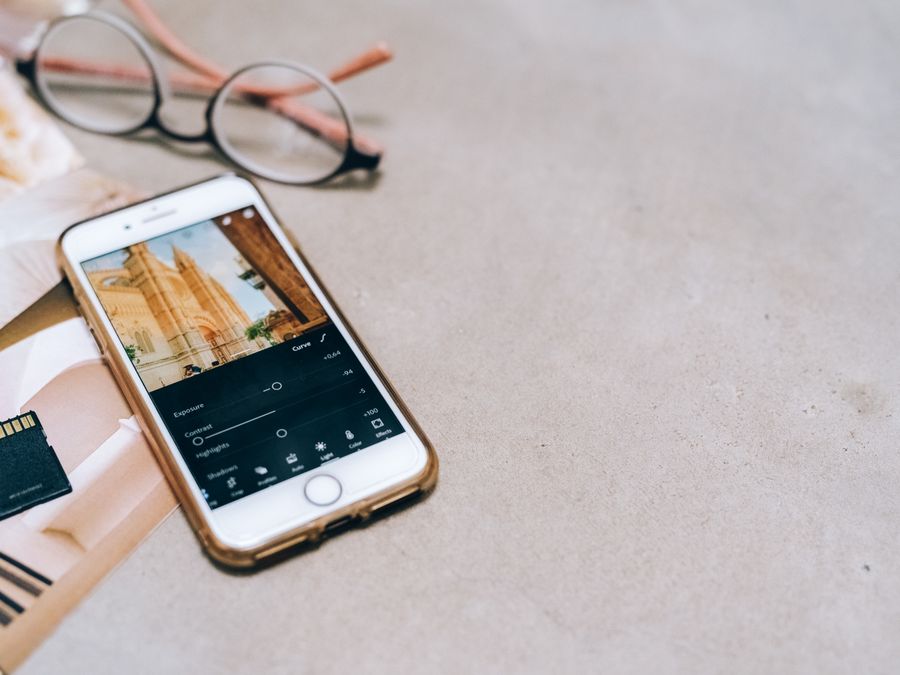
Even a great photo can benefit from a little editing. The right adjustments can make your colors pop, fix lighting issues, and give your image a polished look that stands out in the feed.
Instagram has built-in editing tools that are easy to use. You can adjust brightness, contrast, saturation, and more with just a few taps. Play around with these settings to see what looks best for your specific photo. Small changes can make a big difference.
Filters are another popular option. Instagram offers a variety of filters that can change the mood and style of your photo with one tap. Some filters add warmth, while others create a cooler, more muted look. Try a few different options to see which one fits your aesthetic. Just be careful not to overdo it. Heavy filtering can make photos look unnatural.
If you want to get creative, you can experiment with Instagram face filters to add fun effects to selfies and portraits. These can be a playful way to express your personality, especially if your account has a lighthearted vibe.
For a unique vintage aesthetic, consider using the Huji app for Instagram photos. This app adds retro film effects that give your images a nostalgic feel. It’s a popular choice for creators who want their content to stand out with a distinctive style.
Beyond Instagram’s built-in tools, external apps can help you create even more polished visuals. Canva is a design tool that lets you add text, graphics, and other elements to your photos. It’s especially useful if you’re creating content for a brand or want to add a professional touch to your posts.
Whatever editing approach you choose, aim for consistency. Using similar editing styles across your posts helps create a cohesive look for your feed. This makes your profile more visually appealing and helps establish your personal brand.
Writing a Caption That Connects
A great photo catches attention, but a great caption keeps people engaged. Your caption is your chance to add context, share your thoughts, and invite interaction. Don’t underestimate its power.
For your first Instagram post, consider using your caption to introduce yourself. Tell people who you are, what you’re excited about, or why you’re starting this account. This personal touch helps visitors feel connected to you right from the beginning.
Keep your caption easy to read. Short sentences and simple words work best. You don’t need to write a novel. Sometimes a single sentence or even a few words can be more impactful than a long paragraph.
Emojis can add personality and break up text, but use them sparingly. A few well-placed emojis can enhance your message, while too many can make your caption hard to read.
One effective strategy is to end your caption with a question or call to action. This encourages people to leave comments, which boosts engagement and helps your post reach more people. You might ask for opinions, invite people to share their own experiences, or simply ask them to say hello. Learning how to ask questions to increase engagement can help you craft captions that spark conversations.
Hashtags are another important element. They help people discover your content when they search for specific topics. For your first post, include a mix of popular and niche hashtags that relate to your content. Don’t go overboard, though. A handful of relevant hashtags is usually more effective than stuffing your caption with dozens of them.
Finally, proofread your caption before posting. Typos and grammatical errors can make your content look rushed. Take a moment to read through what you’ve written and make any necessary corrections.
When to Post for Maximum Reach
Timing can play a role in how many people see your first Instagram post. While there’s no magic hour that guarantees success, posting when your potential audience is most active can help your content get more visibility.
Generally, people tend to check Instagram during their morning commute, lunch breaks, and evening downtime. Weekdays often see higher engagement during these windows, while weekends can vary depending on your audience.
Since you’re just starting out, you might not have data on when your specific followers are online. That’s okay. Start by posting during common high-activity times and pay attention to how your content performs. Over time, you’ll learn what works best for your audience.
Scheduling tools can help you plan your posts in advance and publish them at optimal times. Later is a scheduling tool that lets you plan and preview your content before it goes live. This can be especially helpful if you want to post at a specific time but won’t be available to do it manually.
Another option is Hootsuite, which offers scheduling and management features for planning your posts across multiple platforms. Using tools like these can take the stress out of timing and help you stay consistent with your posting schedule.
Don’t stress too much about finding the perfect moment. The most important thing is to actually post. You can always refine your timing strategy as you learn more about your audience and how they interact with your content.
Sharing Your First Post With Others
Once your first Instagram post is live, you’ll probably want to share it with friends, family, and anyone else who might be interested. Spreading the word can help you get your first followers and build momentum for your account.
Instagram makes it easy to share posts to other platforms. You can share directly to Facebook, Twitter, or other connected accounts right from the posting screen. This lets you reach people who might not be on Instagram yet but could follow you there.
You can also share your profile link directly with people through text messages, emails, or other messaging apps. If you’re not sure how to locate this link, you can find your Instagram URL by visiting your profile and copying the link from your browser or the app’s share options.
Don’t be shy about telling people you’ve started an Instagram account. Let your friends know, mention it in conversations, and include your handle in your email signature or other social media bios. The more people who know about your account, the faster your following can grow.
Remember, everyone starts somewhere. Even accounts with huge followings began with a single post and zero followers. Your first Instagram post is just the beginning of your journey, and sharing it with others is the first step toward building a community around your content.
Now that you know how to pick the perfect first Instagram post, it’s time to put these tips into action. Choose a photo that represents you, edit it to look its best, write a caption that connects, and share it with the world. Your Instagram adventure starts now.
