
If you’re an Instagram creator or influencer, you’ve probably thought about building your own website at some point. Maybe you want a place to showcase your portfolio, sell products, or simply have a home base that you fully control. Whatever your reason, finding the right website hosting for Instagram creators is an important first step.
The good news is that setting up a website doesn’t have to be complicated or expensive. With so many hosting options available today, you can find something that fits your budget and skill level. This guide will walk you through everything you need to know about choosing hosting, building your site, and connecting it to your Instagram presence.
Whether you’re just starting out or looking to upgrade your current setup, understanding your hosting options will help you make a smart decision that supports your growth as a creator.
Why Instagram Creators Need Their Own Website
Instagram is a powerful platform for building an audience, but relying on it alone comes with risks. Algorithm changes can suddenly reduce your reach. Account suspensions happen more often than you might think. And at the end of the day, you don’t own your Instagram profile—the platform does.
Having your own website gives you a space that belongs entirely to you. You control the design, the content, and how visitors interact with your brand. If something ever happens to your social media accounts, your website remains standing as your digital home base.
A website also adds credibility to your brand. When brands consider working with creators, they often look for a professional online presence beyond social media. A well-designed website signals that you take your work seriously and have invested in your business.
Beyond credibility, a website opens up new ways to make money. You can sell digital products, offer services, create membership areas, or display affiliate links without worrying about platform restrictions. Many creators find success by turning Instagram into an income source while using their website to expand those revenue streams even further.
Your website can also help you build an email list, which is one of the most valuable assets for any creator. Unlike social media followers, email subscribers are yours to keep and communicate with directly.
What to Look for in a Web Hosting Provider
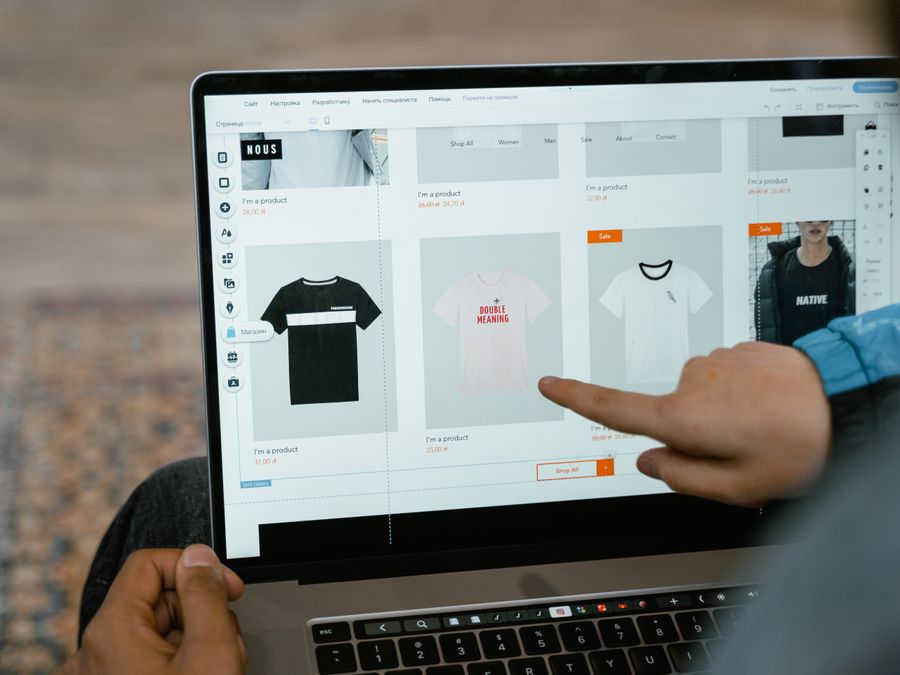
Choosing the right hosting can feel overwhelming when you’re faced with dozens of options. But once you understand what matters most, the decision becomes much simpler. A good web hosting provider should offer reliability, speed, and support that matches your needs.
Speed matters more than you might realize. When someone clicks a link in your Instagram bio, they expect your website to load quickly. If it takes more than a few seconds, many visitors will leave before seeing your content. Look for hosting providers that emphasize fast loading times and use modern server technology.
Uptime is another critical factor. This refers to how often your website is actually accessible to visitors. The best hosts guarantee uptime of 99.9% or higher, meaning your site stays online almost all the time. Frequent downtime can hurt your reputation and cause you to miss opportunities.
Storage space determines how much content you can put on your site. If you plan to host lots of images, videos, or downloadable files, you’ll need more storage. Most basic plans offer enough space for a simple portfolio or blog, but check the limits before signing up.
Customer support can save you hours of frustration when something goes wrong. Look for providers that offer support through multiple channels like chat, email, and phone. Reading reviews about support quality can give you a sense of what to expect.
Finally, consider ease of use. As a creator, you probably want to spend your time making content, not troubleshooting technical issues. Many hosts offer one-click installations for popular website builders, making setup much easier for beginners.
Security Features That Protect Your Brand
Security might not be the most exciting topic, but it’s essential for protecting both your website and your visitors. A security breach can damage your reputation and even expose sensitive information.
One of the most important security features to look for is SSL certificates. These certificates encrypt the connection between your website and your visitors’ browsers. You can tell a site has SSL when the URL starts with “https” instead of “http.” Most browsers now warn visitors when a site lacks SSL, which can scare people away.
Many hosting providers include free SSL certificates with their plans, so you don’t have to pay extra for this basic protection. Make sure to check whether SSL is included before choosing a host.
Other security features to consider include automatic backups, malware scanning, and firewalls. Backups are especially important because they let you restore your site if something goes wrong. Some hosts perform daily backups automatically, while others require you to set them up yourself.
Taking security seriously from the start helps you build trust with your audience and protects the hard work you put into your website.
Affordable Hosting Options Worth Considering
You don’t need to spend a fortune to get quality hosting. Many providers offer plans specifically designed for beginners and small websites, with prices that fit a creator’s budget. When researching best cheap web hosting options, you’ll find plenty of choices that balance cost with features.
Shared hosting is the most affordable option for most creators. With shared hosting, your website lives on a server alongside other websites, which keeps costs low. This works perfectly fine for most creator websites, especially when you’re just starting out.
Bluehost is one popular option that many beginners choose. They offer straightforward pricing and easy setup, making them a good starting point for creators who are new to website building.
When comparing hosts, look beyond just the monthly price. Some providers offer low introductory rates that increase significantly when you renew. Check the renewal prices and any additional fees for features you might need, like email accounts or extra storage.
Website hosting for Instagram creators doesn’t need to be complicated. The key is finding a provider that offers the features you need at a price you can afford. As your website grows, you can always upgrade to a more powerful plan.
Think of hosting as one of the tools that help creators work smarter. It’s an investment in your business infrastructure that pays off over time as you build your online presence.
Building Your Website with WordPress
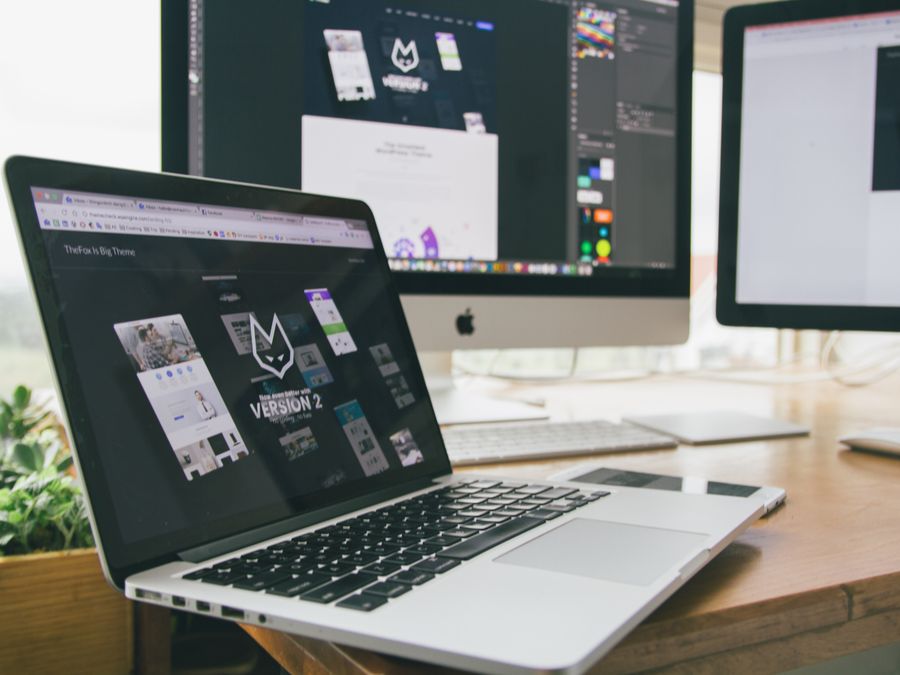
Once you have hosting, you need a way to actually build your website. WordPress is one of the most popular choices for creators because it’s flexible, powerful, and relatively easy to learn.
WordPress comes in two versions. WordPress.com is a hosted service where everything is managed for you. WordPress.org is the self-hosted version that you install on your own hosting account. For maximum control and flexibility, most serious creators choose the self-hosted option.
The beauty of WordPress is that you don’t need to know how to code. Thousands of themes let you change your site’s appearance with a few clicks. Plugins add extra features like contact forms, social media feeds, and online stores. You can build almost any type of website without touching a line of code.
Many hosting providers offer one-click WordPress installation, which means you can have a basic site up and running in minutes. From there, you can customize the design, add your content, and connect your social media accounts.
If you want to create a site that really stands out, consider building a website that leverages Instagram by displaying your feed, linking to your posts, and creating a cohesive visual experience across platforms.
WordPress does have a learning curve, but countless tutorials and resources exist to help you along the way. Most creators find that they can build a professional-looking site within a few days of focused effort.
Connecting Your Website to Your Instagram Strategy
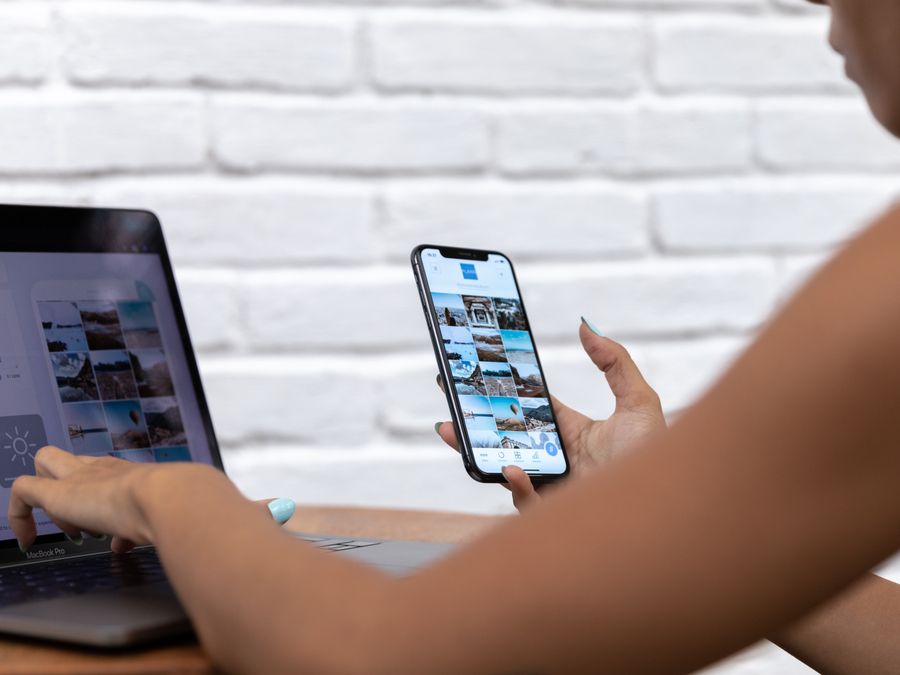
Your website and Instagram account should work together, not exist in separate silos. When done right, each platform drives traffic to the other, creating a cycle that grows your overall audience.
Start by making sure your Instagram bio includes a link to your website. This is prime real estate, so use it wisely. You might link directly to your homepage, or use a link-in-bio tool to share multiple destinations. Either way, make it easy for followers to find your site.
On your website, embed your Instagram feed or display your latest posts. This keeps your site feeling fresh and shows visitors that you’re active on social media. Many WordPress plugins make this integration simple.
Consider creating content on your website that complements your Instagram posts. If you share quick tips on Instagram, write detailed guides on your blog. If you post product photos on Instagram, create in-depth reviews on your site. This gives your audience reasons to visit both platforms.
Making your website discoverable through search engines is another powerful strategy. Following SEO implementation tips for your website helps people find you when they search for topics related to your niche. This brings in new visitors who might not have found you on Instagram.
You can also use your website to create private community spaces for Instagram creators where your most dedicated followers can access exclusive content. Membership areas, private forums, or gated content sections give people a reason to visit your site regularly and can become an additional revenue stream.
Managing Hosting Costs as a Creator Business
As a creator, every expense matters. Hosting costs should be viewed as a business investment, not just another bill. When you treat your website as part of your business infrastructure, it becomes easier to justify the expense and track its value.
Most hosting plans are billed annually, which can mean a larger upfront cost but usually saves money compared to monthly billing. Budget for this expense at the beginning of each year so it doesn’t catch you off guard.
Keep track of all your business expenses, including hosting, domain registration, and any premium themes or plugins you purchase. Using financial tools for social media businesses can help you stay organized and make tax time much easier.
As your website grows, you might need to upgrade your hosting plan. More traffic requires more server resources, which costs more money. Plan for this growth by setting aside a portion of your website-related income for future upgrades.
Think about your website as part of building long-term financial security as a creator. The money you invest in your online presence today can pay dividends for years to come through increased opportunities, higher rates, and more stable income.
Don’t forget to factor in the time you spend on your website as well. Your time has value, so consider whether certain tasks are worth doing yourself or if you should hire help for things like design or technical maintenance.
Growing Your Online Presence Beyond Instagram
Your website is just one piece of a larger puzzle. Smart creators think about their online presence as an ecosystem where different platforms support each other. Instagram might be your primary platform today, but having a website positions you for whatever comes next.
Consider how your website fits into your long-term goals. Do you want to launch products? Offer services? Build a media company? Your website can evolve to support these ambitions in ways that social media platforms simply can’t.
Many successful creators have learned how digital creators grow their wealth by diversifying their income streams and building assets they own. Your website is one of those assets. Unlike followers on a platform you don’t control, your website belongs to you.
Think about expanding to other platforms as well. A YouTube channel, podcast, or newsletter can all connect back to your website, creating multiple pathways for people to discover your work. Each new platform you add strengthens your overall presence and reduces your dependence on any single one.
The creators who thrive long-term are those who build sustainable businesses, not just social media followings. Your website is a foundation for that kind of lasting success.
Getting Started with Your First Website
Ready to take the plunge? Here’s a simple action plan to get your website up and running:
First, choose a domain name that represents your brand. Keep it simple, memorable, and easy to spell. Your Instagram handle often works well if it’s available.
Next, select a hosting provider based on the factors we discussed: speed, uptime, support, and price. Don’t overthink this step—you can always switch providers later if needed.
Install WordPress or your preferred website builder. Most hosts make this incredibly easy with one-click installation options.
Pick a theme that matches your brand’s visual style. You don’t need to spend money on a premium theme right away—many free options look professional and work well.
Create your essential pages: a homepage, about page, and contact page at minimum. Add more as you develop your content strategy.
Finally, connect your website to your Instagram account and start telling your followers about your new online home. Share the link in your bio, mention it in your stories, and give people reasons to visit.
Building a website might seem like a big project, but taking it one step at a time makes it manageable. The most important thing is to start. Your future self will thank you for investing in website hosting for Instagram creators today.