


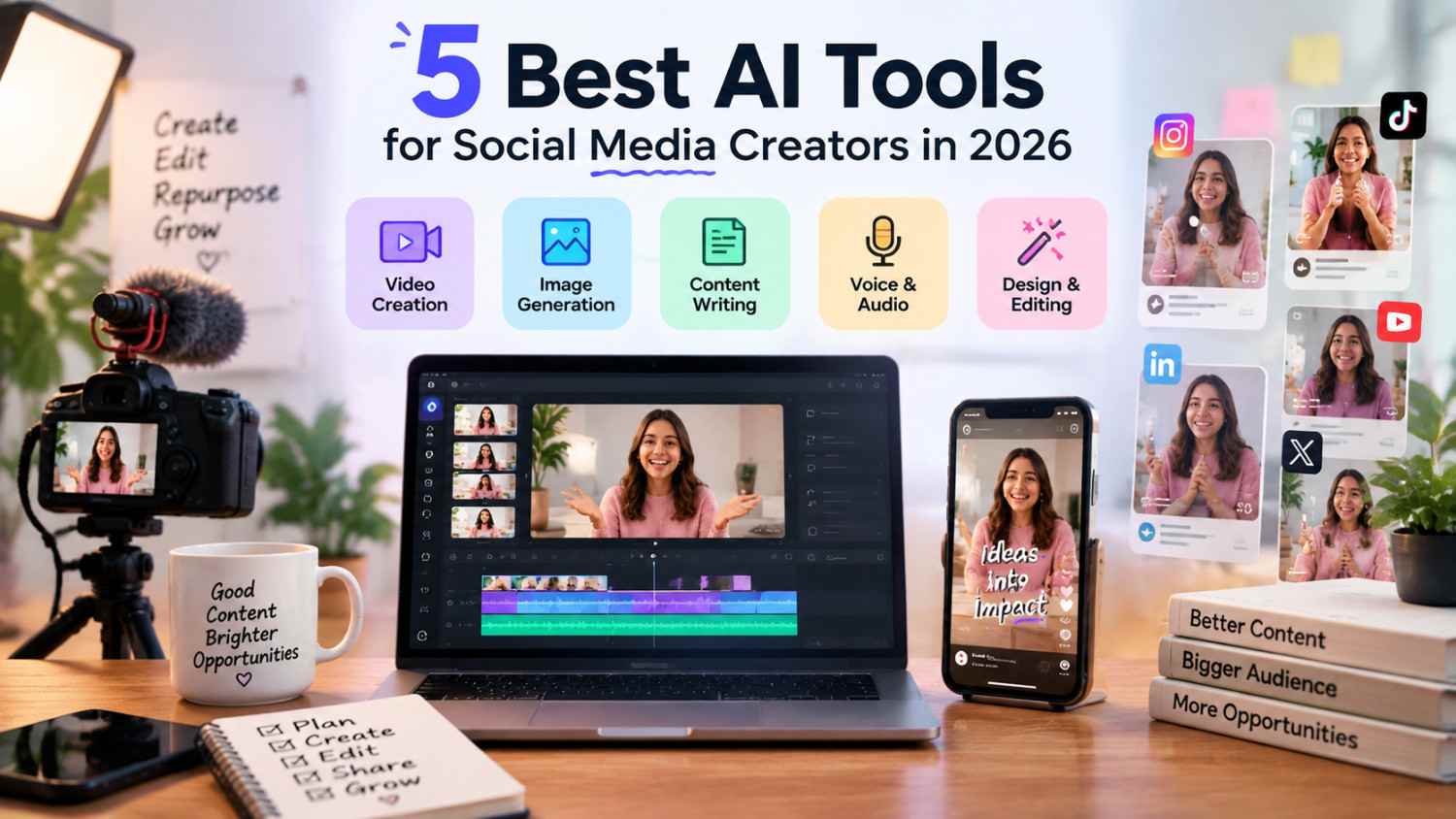
Creating content for social media involves much more than publishing a post.
Creators today need to come up with ideas, create visuals, edit videos, manage different platforms, and understand what content connects with their audience. As the demand for consistent content increases, handling every part of the process manually can become difficult.
AI tools are helping creators simplify different stages of content production. From planning ideas to editing videos and analyzing performance, these tools can help creators build more organized workflows while keeping their creative direction in their own hands.
Here are five AI tools that can help social media creators improve their content workflow in 2026.
Why Creators Are Using AI Tools for Content Creation
The biggest challenge for many creators is not coming up with ideas. It is managing everything that happens between an idea and a published piece of content.
A single video may require scripting, recording, editing, creating captions, designing thumbnails, publishing, and reviewing performance.
AI tools can help reduce the repetitive parts of this process. Instead of replacing creativity, they give creators more time to focus on storytelling, audience connection, and developing new ideas. This is also why learning how to responsibly leverage AI as a content creator matters when automation becomes part of the everyday creative process.
1. Invideo Editor: AI Video Editing for Social Media Creators
Creating video content involves more than recording footage. After filming, creators often need to review clips, compare takes, remove unnecessary sections, improve pacing, and prepare content for different platforms.
For creators producing videos regularly, editing can become one of the most time-consuming parts of the workflow.
What It Helps Creators Do:
- Review and organize raw footage
- Create AI-assisted edits
- Remove repeated sections and unnecessary pauses
- Build a stronger starting timeline
- Create different versions of content for different platforms
Why It Works for Creators:
Invideo editor combines AI editing agents with a professional editing timeline. Instead of manually handling every repetitive editing task, creators can provide direction and allow AI agents to support parts of the editing process.
Creators looking for a workflow where AI can handle real editing tasks while keeping the final project flexible can explore invideo’s agentic video editor. It helps creators move from raw footage to an editable starting point while still allowing them to refine the story, pacing, and style themselves.
The advantage of this approach is that creators do not lose creative control. AI helps with execution, while creators remain responsible for the decisions that shape the final content. Creators experimenting with AI-assisted production can also explore how to create AI videos for social media without turning the workflow into another complicated technical project.
2. Canva Magic Studio: Creating Better Social Media Visuals
Social media content is not limited to videos. Creators also need thumbnails, graphics, covers, and branded visuals that make their content recognizable.
What It Helps Creators Do:
- Create social media graphics
- Design thumbnails and covers
- Generate visual concepts
- Build branded templates
- Create promotional assets
Why It Works for Creators:
Canva Magic Studio helps creators speed up the design process by combining templates with AI-powered features. It is useful for creators who want to maintain a consistent visual style without spending hours creating every design from scratch.
For creators managing multiple platforms, having a faster way to create visuals can make publishing more manageable.
3. ChatGPT: Planning Ideas and Content Strategies
Creating content consistently requires a steady flow of ideas.
Creators often need help with finding topics, writing captions, creating hooks, and planning content calendars before they start production.
What It Helps Creators Do:
- Generate content ideas
- Create video outlines
- Write captions
- Develop content hooks
- Plan content calendars
Why It Works for Creators:
ChatGPT helps creators organize their thoughts and build a stronger foundation before creating content.
Instead of starting from a blank page, creators can use AI to explore ideas while adding their own experiences, opinions, and personality to the final content. The same principle applies when using AI-generated content for social media growth, where the strongest results still depend on original context, judgment, and brand voice.
4. Later: Organizing Social Media Publishing
Creating content is only one part of growing on social media. Publishing consistently across different platforms requires planning and organization.
What It Helps Creators Do:
- Schedule posts
- Plan content calendars
- Organize campaigns
- Manage publishing workflows
Why It Works for Creators:
Later helps creators prepare content in advance instead of managing every post manually.
A structured publishing process allows creators to spend more time creating and engaging with their audience rather than constantly managing posting schedules.
5. Metricool: Understanding Content Performance
Creating more content does not always mean creating better content.
Creators need to understand which posts perform well, what formats their audience responds to, and where they can improve.
What It Helps Creators Do:
- Track content performance
- Monitor engagement
- Analyze platform results
- Identify trends
- Improve future strategies
Why It Works for Creators:
Metricool gives creators insights into how their content performs across platforms.
Analytics can help creators make better decisions about future content while still relying on their own creativity and understanding of their audience. For Instagram creators specifically, understanding the metrics that actually matter can make those performance reports much more useful when deciding what to create next.
Building a Better Creator Workflow With AI Tools
The biggest benefit of AI tools comes from using them together as part of a complete workflow.
A creator might use:
- ChatGPT for planning ideas
- Canva Magic Studio for visuals
- Invideo Editor for video production
- Later for publishing
- Metricool for analyzing results
Each tool supports a different stage of content creation, helping creators build a process that is easier to manage and repeat.
Final Thoughts
AI tools are becoming an important part of modern creator workflows. They help reduce repetitive tasks while giving creators more time to focus on ideas, storytelling, and building relationships with their audience.
The goal is not to remove the creative process. It is to create better systems that allow creators to produce consistently and improve their content over time.
